跳至内容

购物车

您的购物车是空的。

The Masterkey tohumanoidrobot The Masterkey to humanoid robot

Your first humanoid RL robot

Master walking, balancing and locomotion on a desk-sized humanoid

Pave your way for future human-scale robots

Master walking, balancing and locomotion on a desk-sized humanoid. Build skills now, then scale to human-size robots.

Pre-order open · Ships Q4 2026

See How It Works
APPROVED
Who is this for

If you're a
developer who…

01 wants to do RL on humanoids — not start with a quadruped detour.
02 wants to get into humanoids without the full-size price and risk.
03 wants to build skills and algorithms first, then scale the investment.
04 wants your own robot — not wait in line for shared lab equipment.
05 wants to see your algorithms actually move — in the real world, not just in sim.
Then the Zeroth M1 EDU combo is the perfect match for you.

Train Humanoids on Humanoids

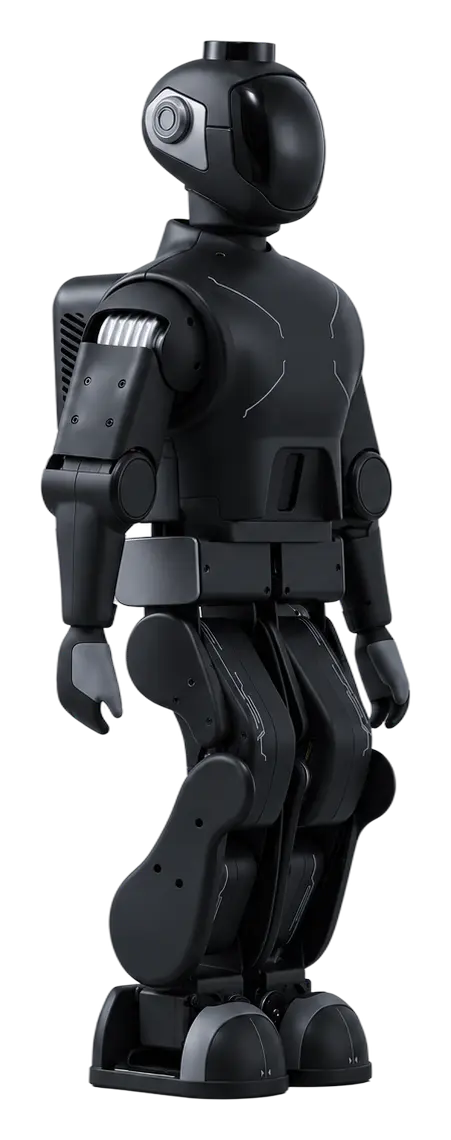
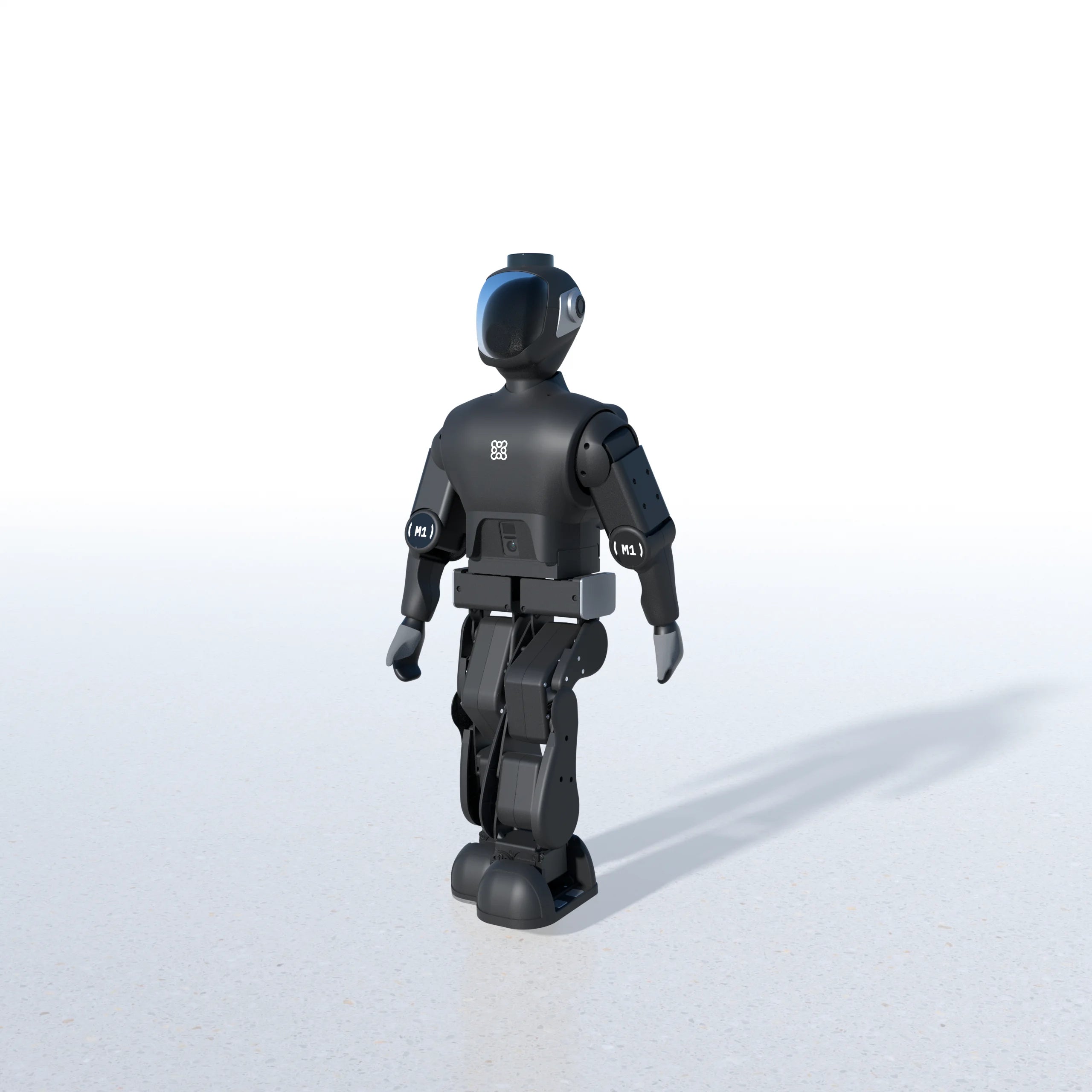
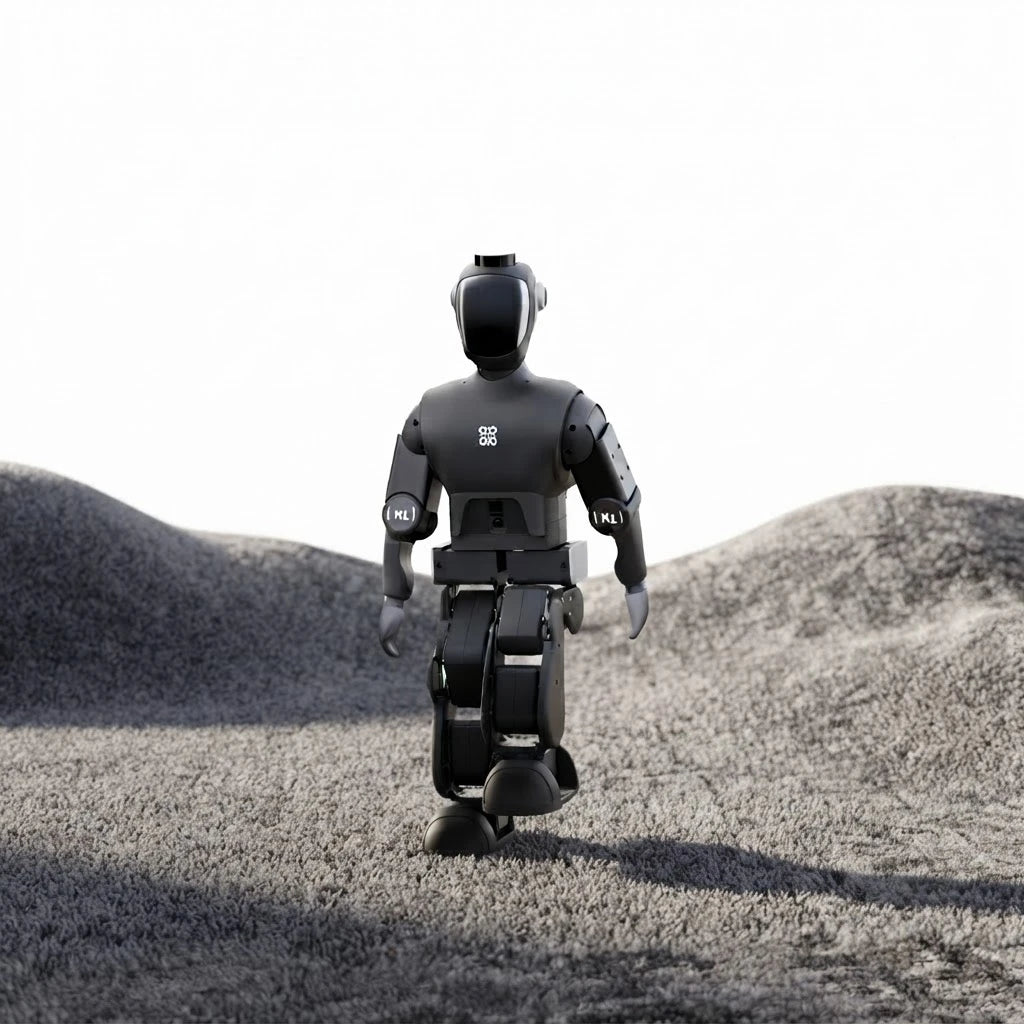
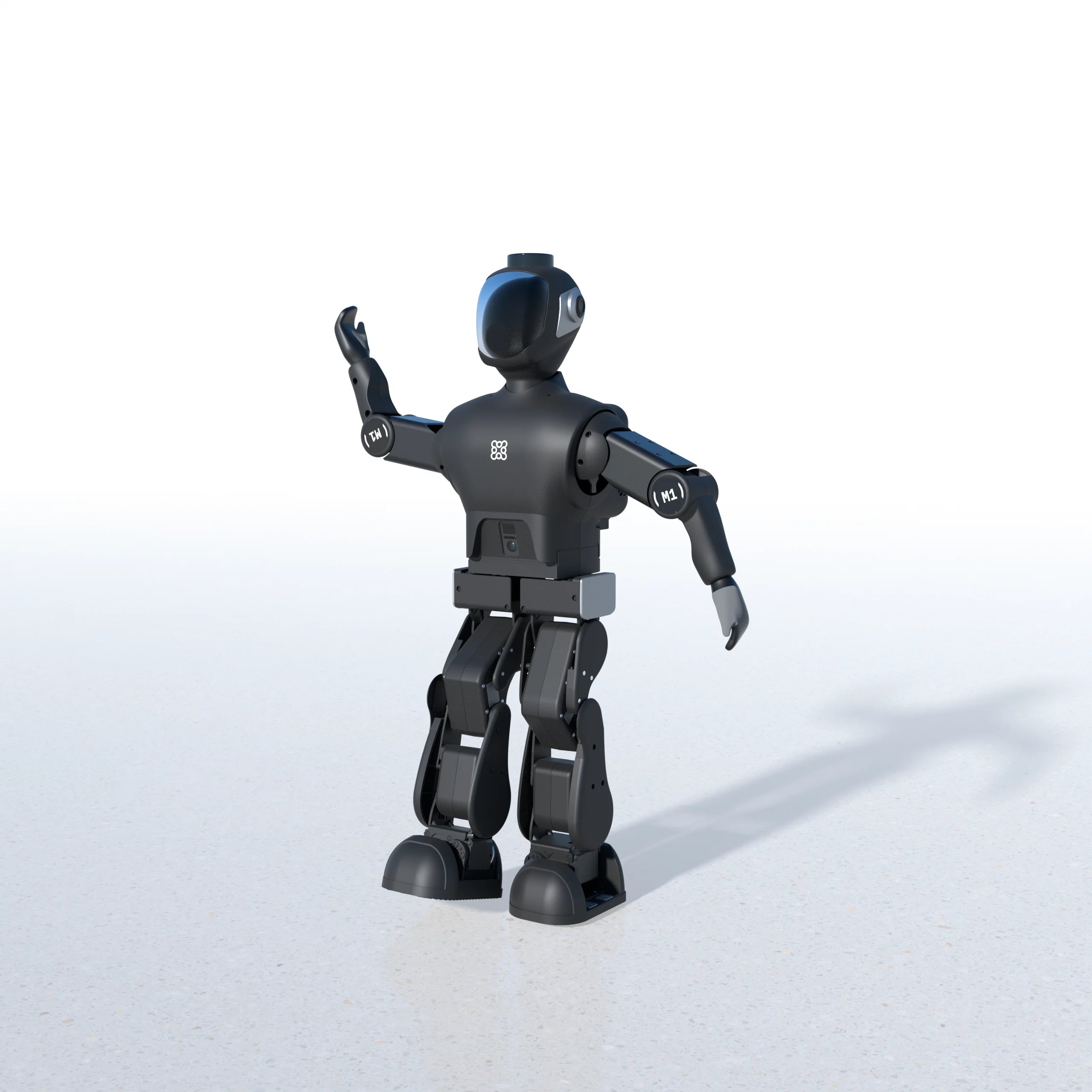
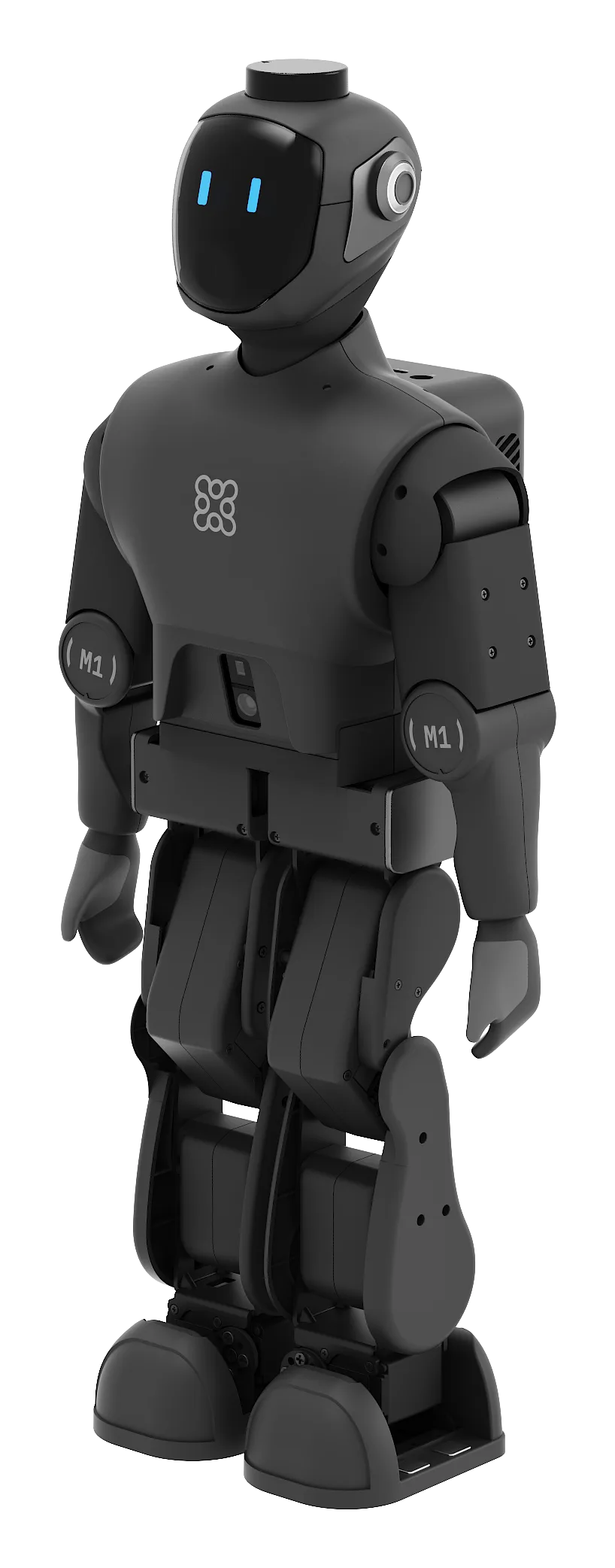
M1 humanoid robot

TRANSFER WORKFLOW

Train on M1.
learn RL workflow on any humanoid.

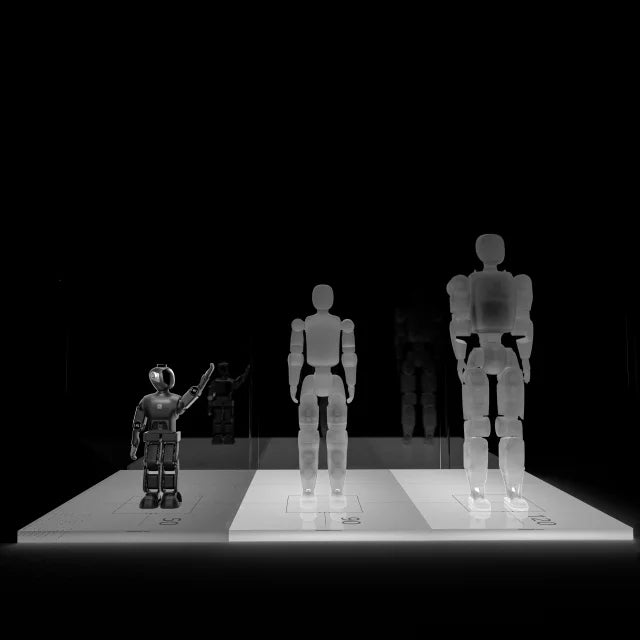
You can train RL on this 50 cm desktop robot and transfer everything you learn seamlessly to human-scale robots, since they share similar:

M1 beside mid-size, full-size, and industrial humanoids
What transfers
What transfers Details Status
Core RL formulation Proprioceptive/joint-state inputs → Neural policy → Joint-position commands ✓
Simulation platforms Nvidia gym, MuJoCo ✓
Core algorithm PPO — similar algorithm used in human-size humanoid locomotion research ✓
Humanoid leg structure 12-DoF bipedal configuration matching the larger humanoid platform ✓
Transferable domain Joint sensing, IMU-based state/control logic, reward design, and RL workflow all carry over ✓

WHY HUMANOID

Why train your humanoid
on less humanoid?

Every other platform forces you to compromise. M1 is the only desk-sized robot that gives you real bipedal walking + manipulation + human structural alignment.

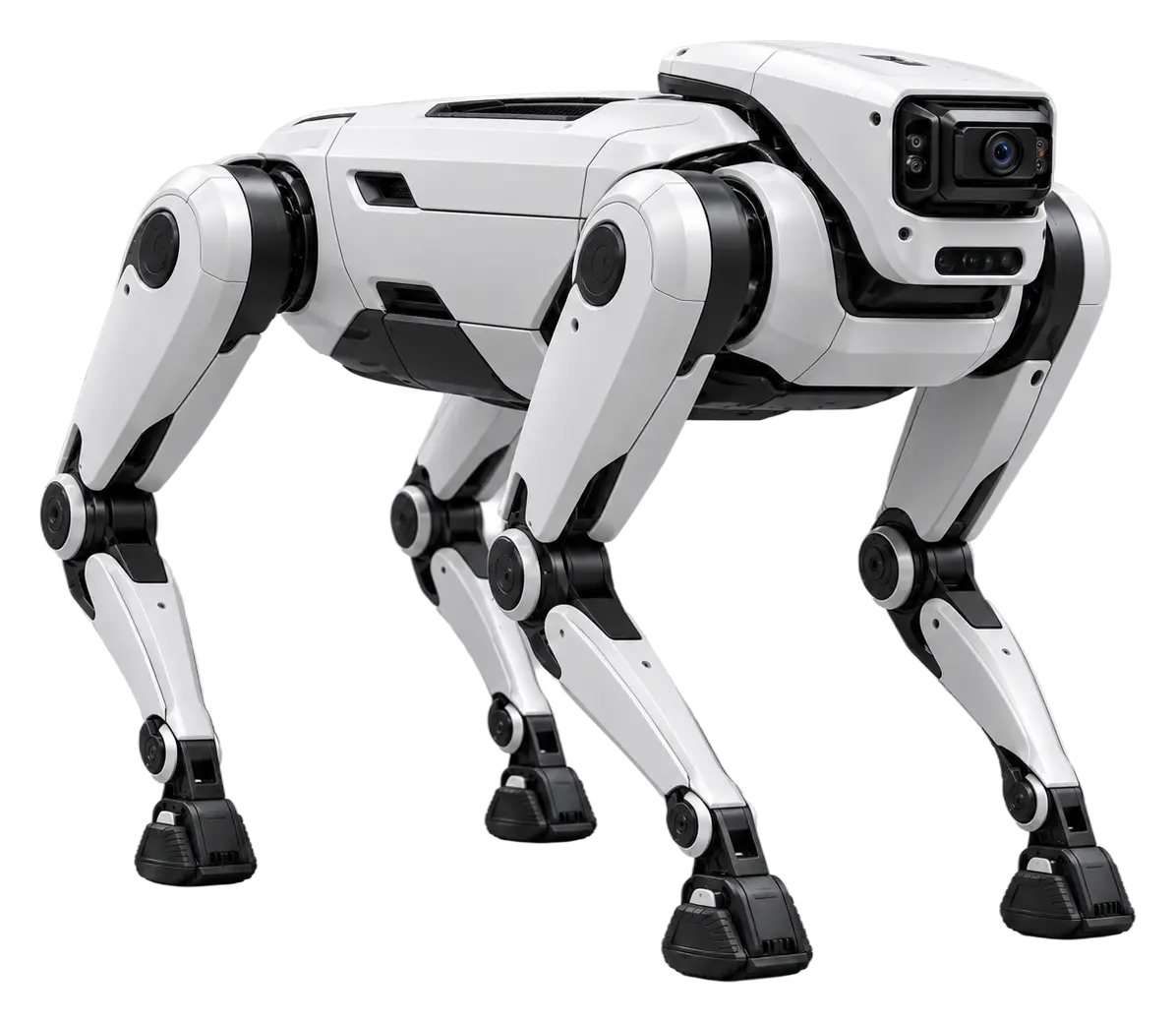
Robot Dog
01 Quadruped Robot Dog
  • Locomotion Quadruped trot
  • Leg DOF 12 (3/leg)
  • Arms ✕
  • Balance Static stable
  • Humanoid structure ✕
  • RL transfer Partial — motor skills only
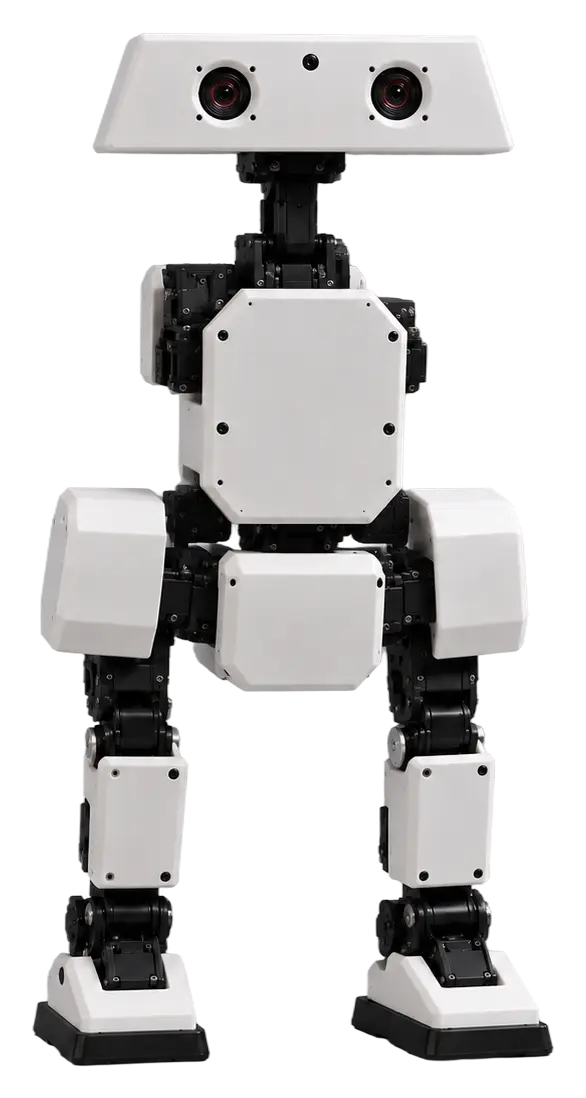
Mini Biped Bot
02 Toy Biped Mini Biped Bot
  • Locomotion Basic bipedal walk
  • Leg DOF 6 (3/leg)
  • Arms ✕
  • Balance Feet-stabilized
  • Humanoid structure Minimal
  • RL transfer Low — different morphology
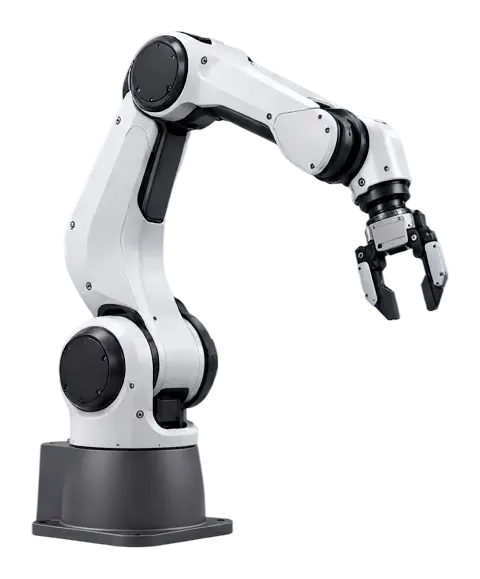
Robot Arm
03 Manipulator Robot Arm
  • Locomotion ✕
  • Leg DOF ✕
  • Arms Single arm
  • Balance N/A
  • Humanoid structure ✕
  • RL transfer Manipulation skills only
M1 EDU Combo
04 Humanoid M1 EDU Combo M1 WINS
  • Locomotion General biped
  • Leg DOF 12 (6/leg)
  • Arms Dual-arm
  • Balance Dynamic biped
  • Humanoid structure Full biped + arms
  • RL transfer Low — different morphology

The Proof

How It Actually Transfers

M1 isn't just "smaller" — it uses the similar fundamental techniques as the big guys. Here's why what you train on M1 matters.

01

Works on Every Major Sim PlatformPython API

Train in your environment of choice — NVIDIA Isaac Gym and MuJoCo with our Python API.

  • NVIDIA Isaac Gym
  • MuJoCo

02

Similar Sensors. Similar Control Logic.

The IMU + joint angle + joint velocity control loop in M1 is identical to what full-size humanoids use. Walking, balancing, posture correction — the algorithm architecture is the similar.

03

PPO Reinforcement Learning — Industry Standard

Major humanoid company trains with PPO. M1 uses the similar algorithm, the similar reward function patterns, and the similar training loop.

04

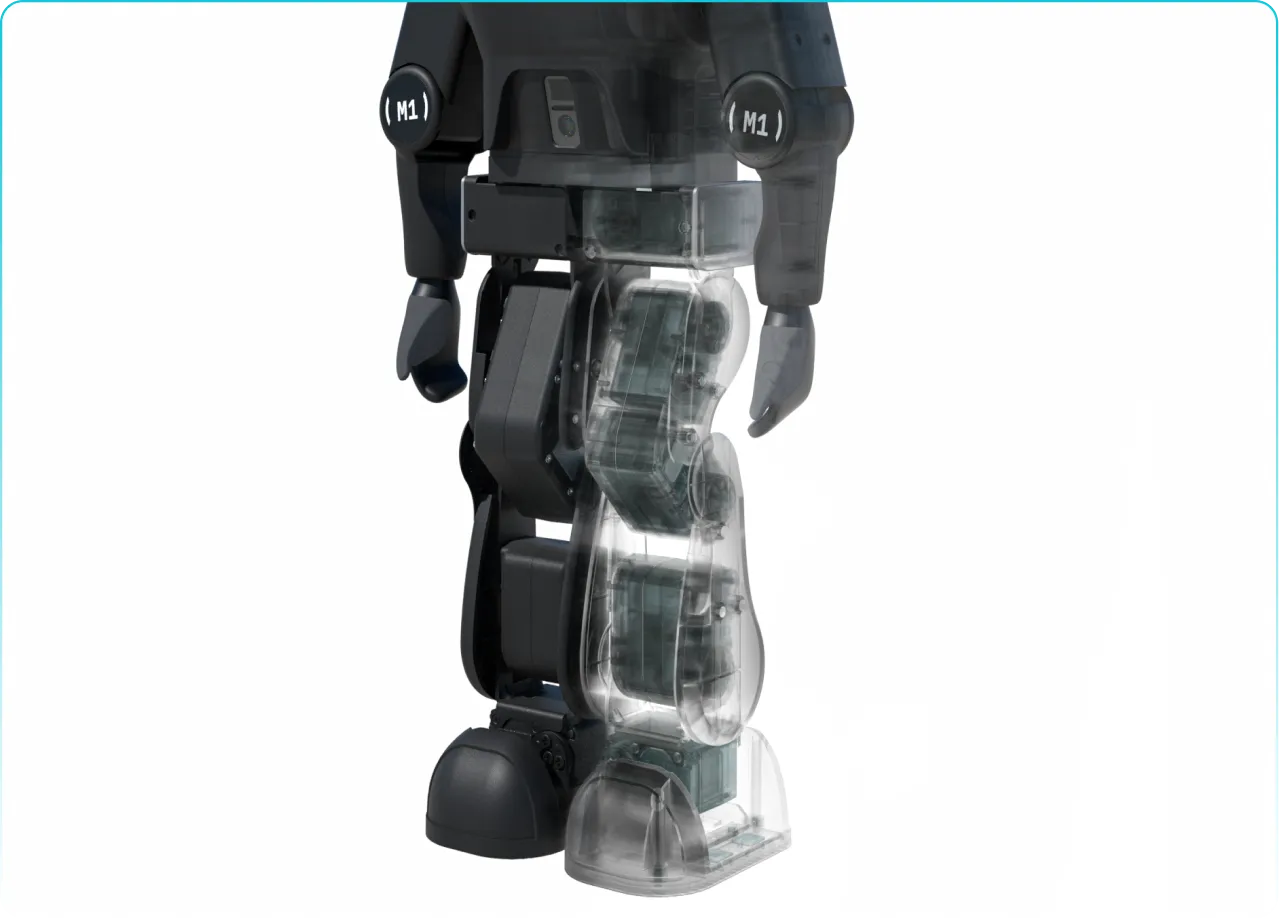
12-DOF Legs — Real Bipedal Challenge

M1 has a similar DOF structure to full-size humanoid legs — 6 DOF per leg (hip yaw/roll/pitch, knee pitch, ankle roll/pitch).

12
DOF Total
across both legs
Per Leg6 DOF
Hip
3
yaw · roll · pitch
Knee
1
pitch
Ankle
2
roll · pitch

05

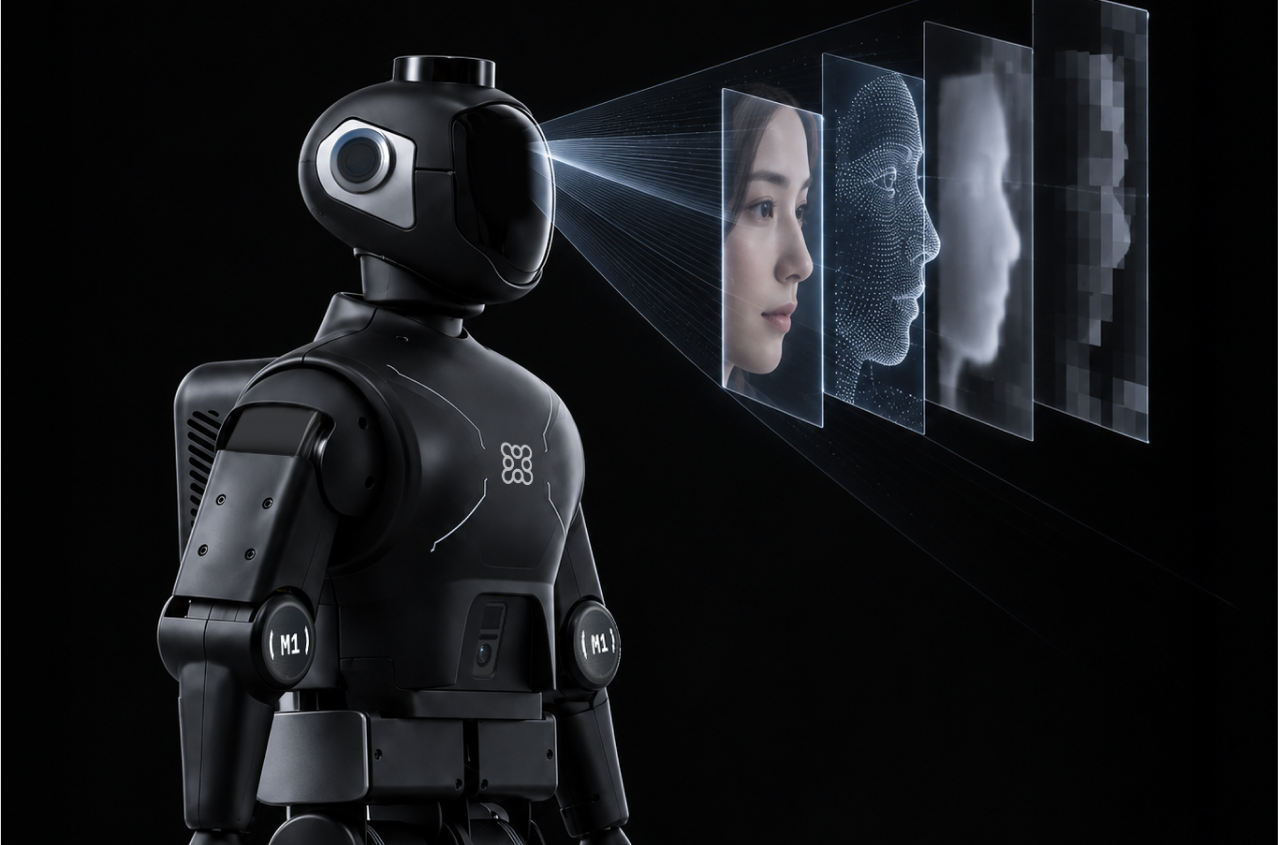
Face Recognition & Vision Perception

Onboard camera with real-time face detection and verification — just like full-size humanoid vision stacks. Train perception pipelines, identity recognition, and human-robot interaction skills directly on M1.

  • Train
  • Face Verification
  • Onboard Camera

06

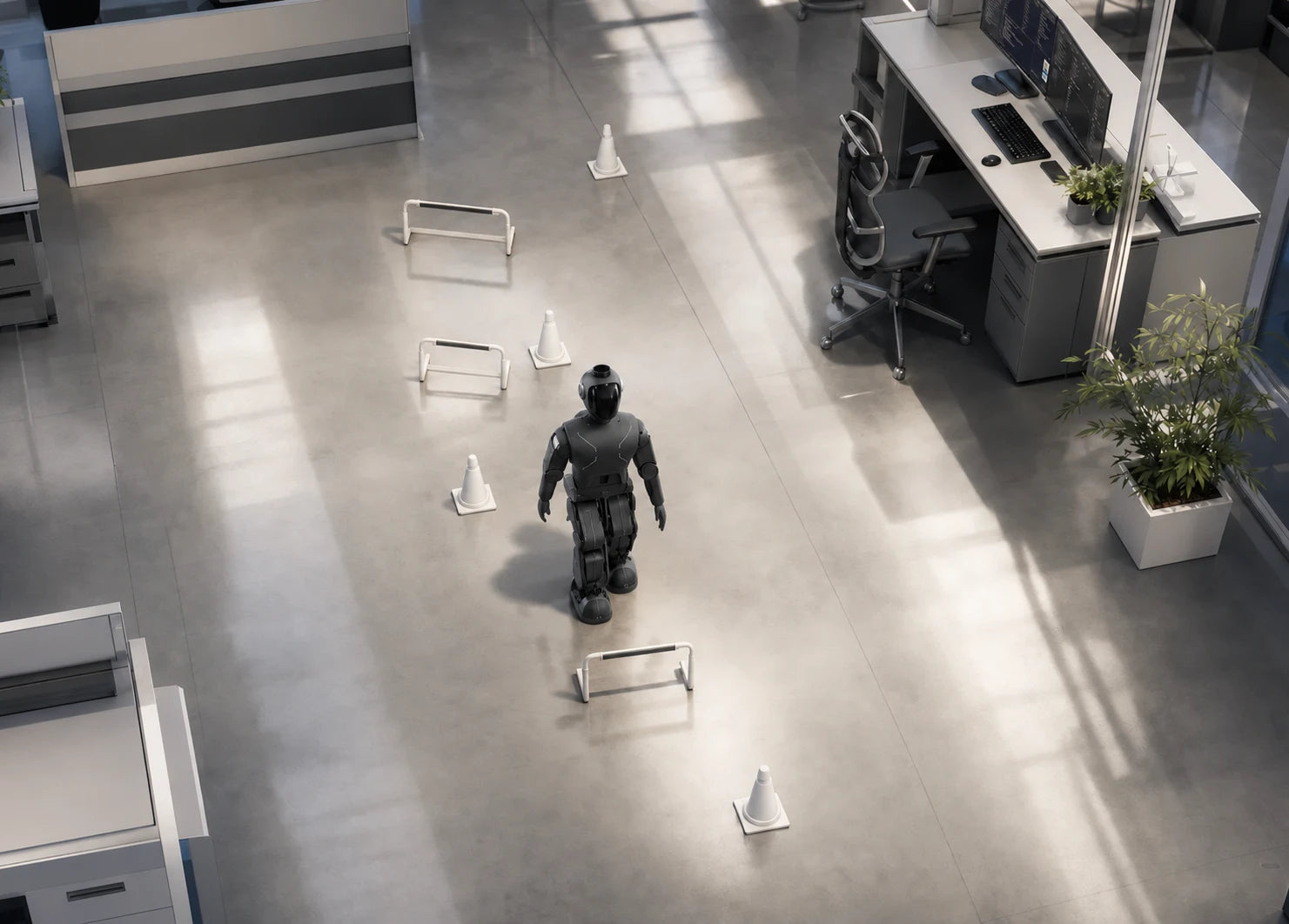
Obstacle Avoidance & Autonomous Navigation

M1 navigates real-world environments with obstacle detection and path planning — a similar navigation stack architecture to full-size humanoids. Deploy SLAM, dynamic obstacle avoidance, and waypoint navigation at desk scale.

  • Dynamic Obstacle Avoidance
  • Path Planning
  • Waypoint Navigation

PROOF 01

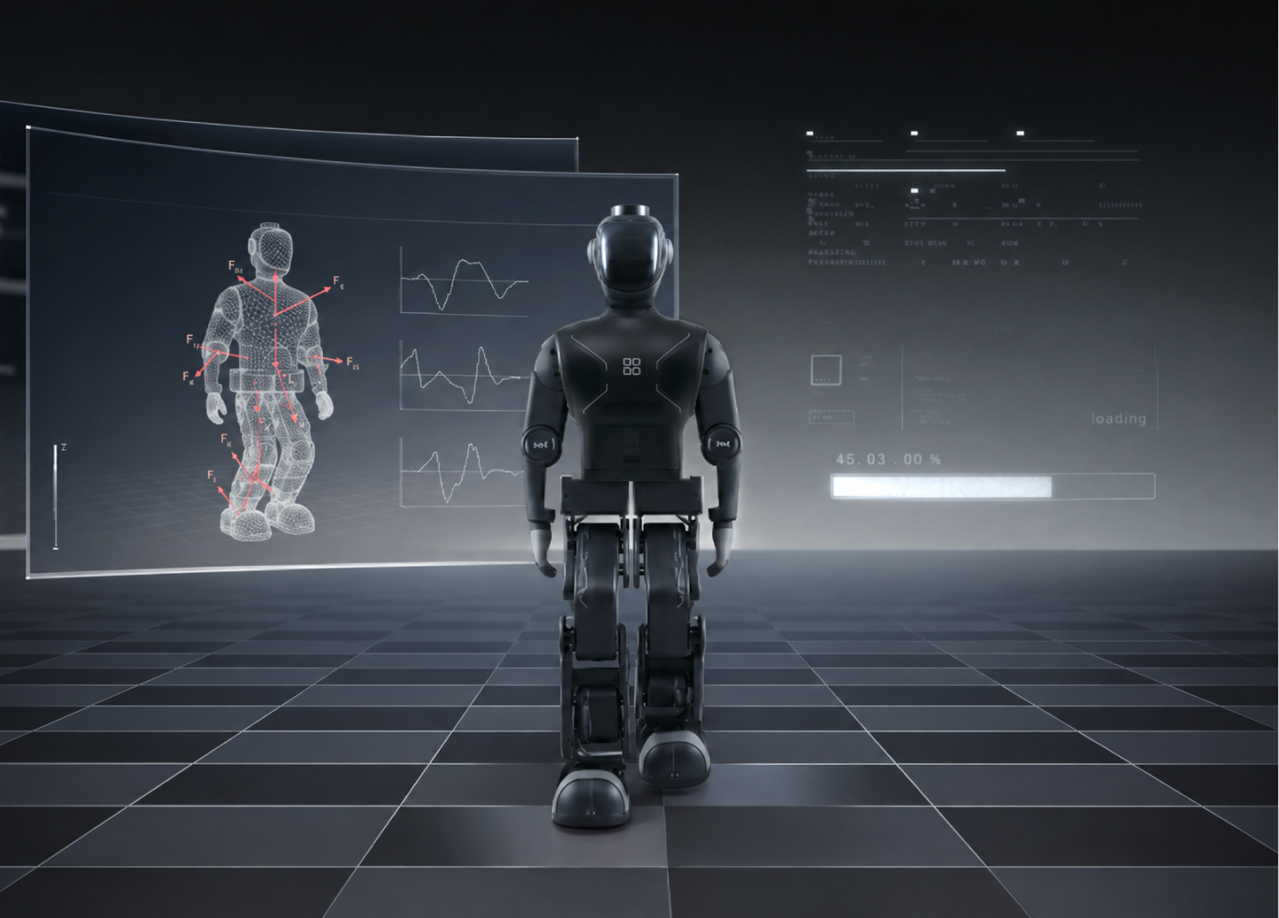
Simulation Platform

Isaac Gym & MuJoCo ready — native Python API, plugs into your RL stack

Sim → Real Transfer

Simulation Match

Proof 02

Sensors & Control

IMU and sensor control loop diagram
IMU + joint angle + joint velocity — similar control loop architecture as full-size humanoids

Proof 03

PPO Algorithm

PPO reinforcement learning neural network diagram
Industry-standard PPO — similar algorithm, reward patterns & training loop as full-size platforms

Proof 04

12-DOF Bipedal Legs

M1 translucent bipedal legs showing 12-DOF structure
6 DOF per leg × 2 = 12 total — identical DOF structure to full-size humanoids

Proof 05

Face Recognition

M1 face recognition and vision perception
Onboard vision stack — face detection & verification, just like full-size humanoids

Proof 06

Navigation & Obstacle Avoidance

M1 navigation and obstacle avoidance
Real-world navigation — obstacle detection, path planning & waypoint navigation

Get Started

RL beginners? No worries.

From unboxing to your first trained walking policy — everything you need, in one place.

01

Train

Everything to start training

Starter kit with training assets and real-robot deployment files. Follow the docs, set up your local env, and run simulation — all in one repo.

  • Pre-tuned walking reward function built in
  • Use the template as-is or customize rewards
  • Step-by-step environment setup guide
m1-starter-kitComing Soonreward-functionsComing Soon

02

Deploy

Fully open-source deployment

Python-native deployment with a one-line terminal command. Or hit LB + X on the controller — deploy in two ways, full source code included.

  • One-liner deployment via terminal
  • Controller shortcut: LB + X to deploy
  • Read and modify every line of the stack
$ python deploy.py policy.onnx

03

Control

Gamepad control out of the box

Walk, turn, and trigger actions with the bundled controller. Plug in and play — no configuration needed.

  • Left stick — walking direction
  • Right stick — turning & speed
  • Button shortcuts for quick actions
YXBA

04

Support

We're here to help

Stuck on setup, training, or deployment? Our support team is one email away — we usually reply within 24 hours.

  • Setup & installation help
  • Training & deployment guidance
  • Hardware troubleshooting

See how it works.

Watch M1 go from simulation training to real-world walking.

Watch demo

Small Robot. Big Potential.

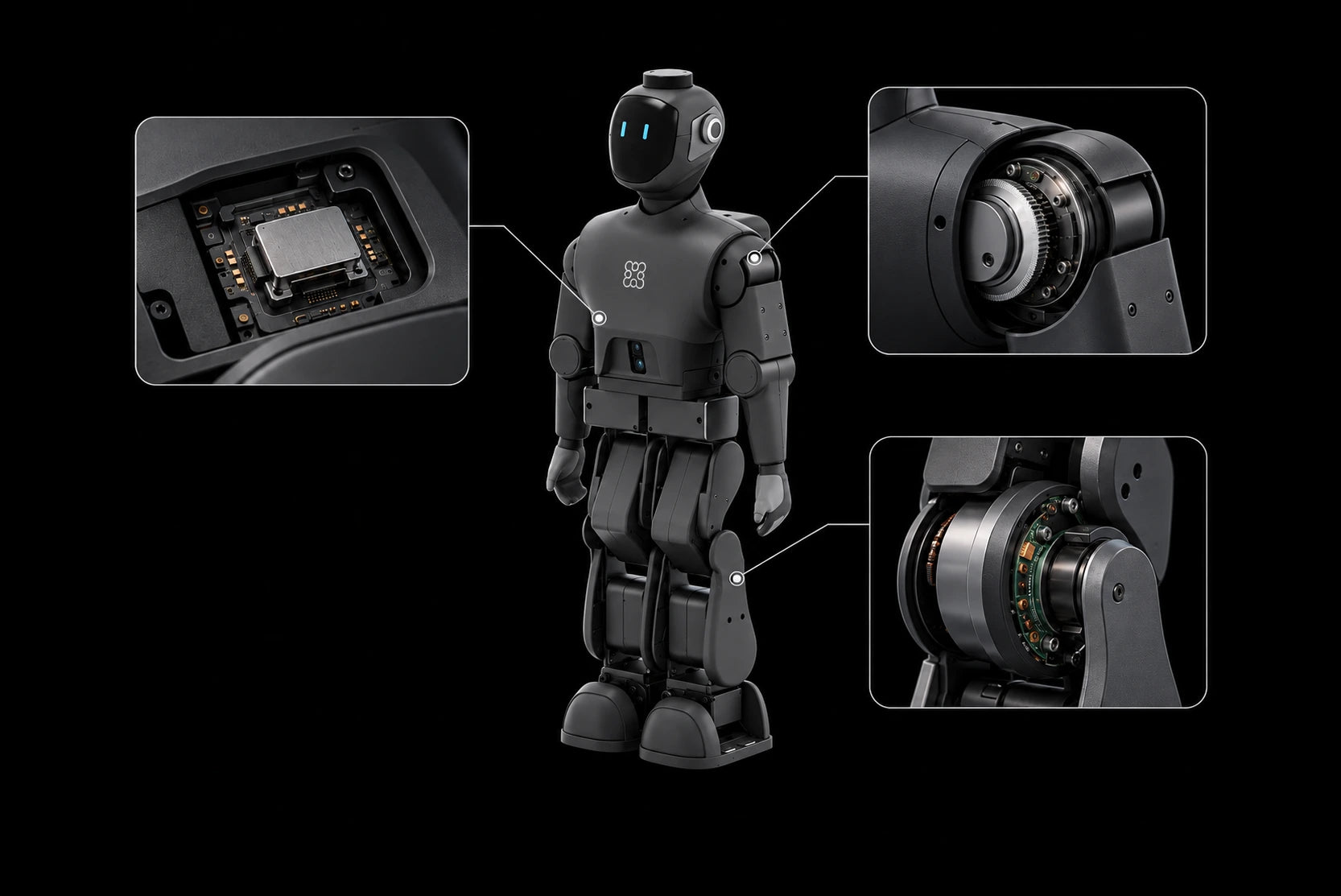
Small details that make a big difference in your daily hacking.

Why You'll Love It

M1 shoulder detail

Serious AI. Seriously Cute.

The face display interface is fully customizable — code your own expressions, moods, and status indicators.

Approved
M1 face display expressions
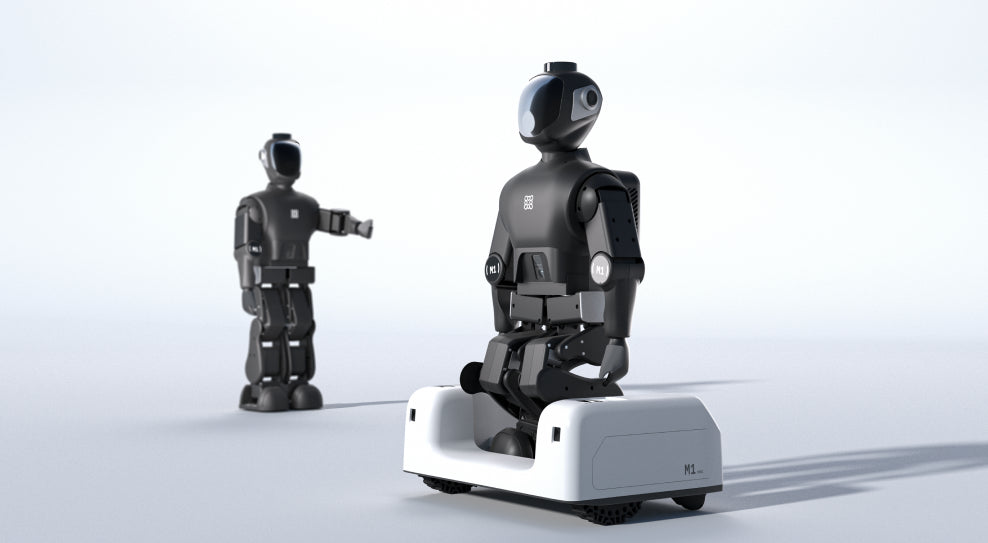
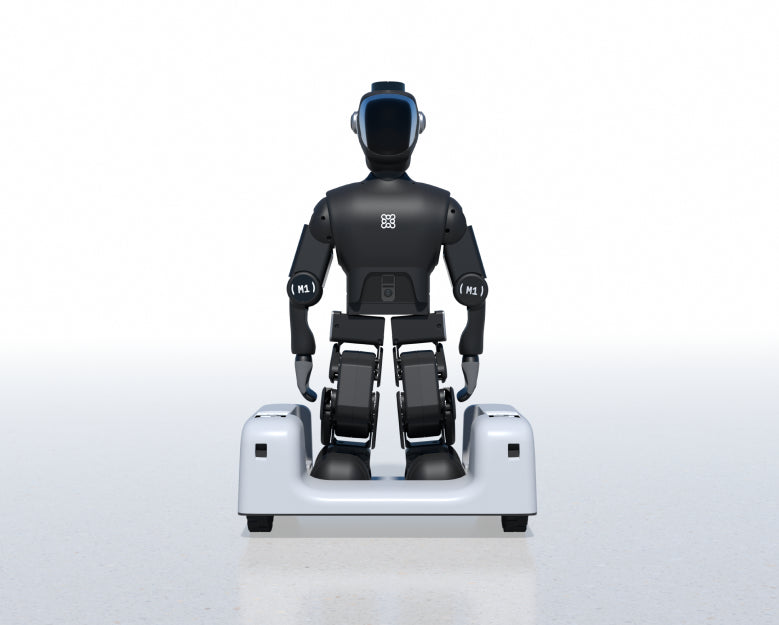
M1 on wheeled base

Multiple Modal

Try multi-modal training with wheels.

Swap to the included Cart for 1.1 m/s speed, navigation and SLAM research.

Free Cart — $200 value, included

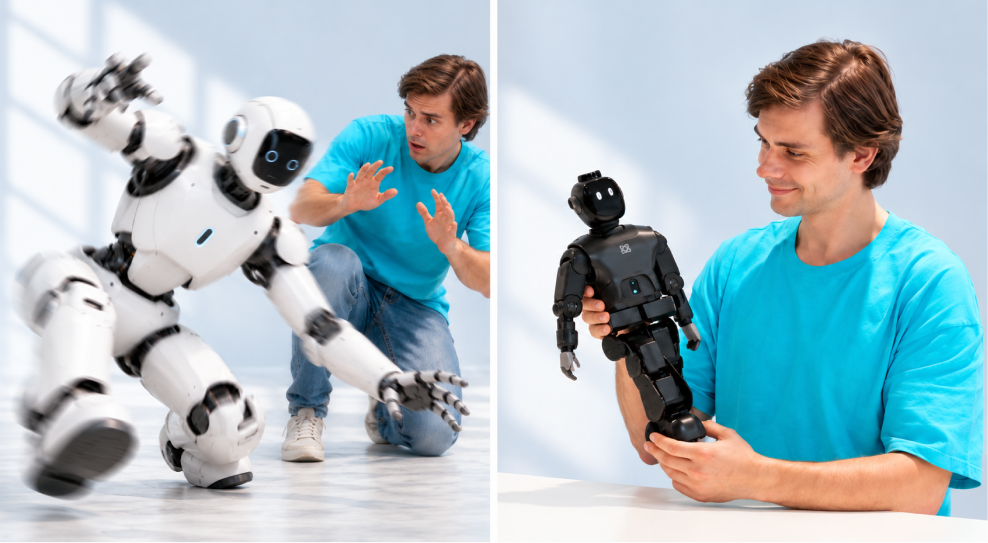
Safe to handle

Safety

Small & servo-driven. Safe to handle.

At just 50cm tall and 2.8kg with servo actuators, M1 is inherently safe. Train, test, and tinker without worry.

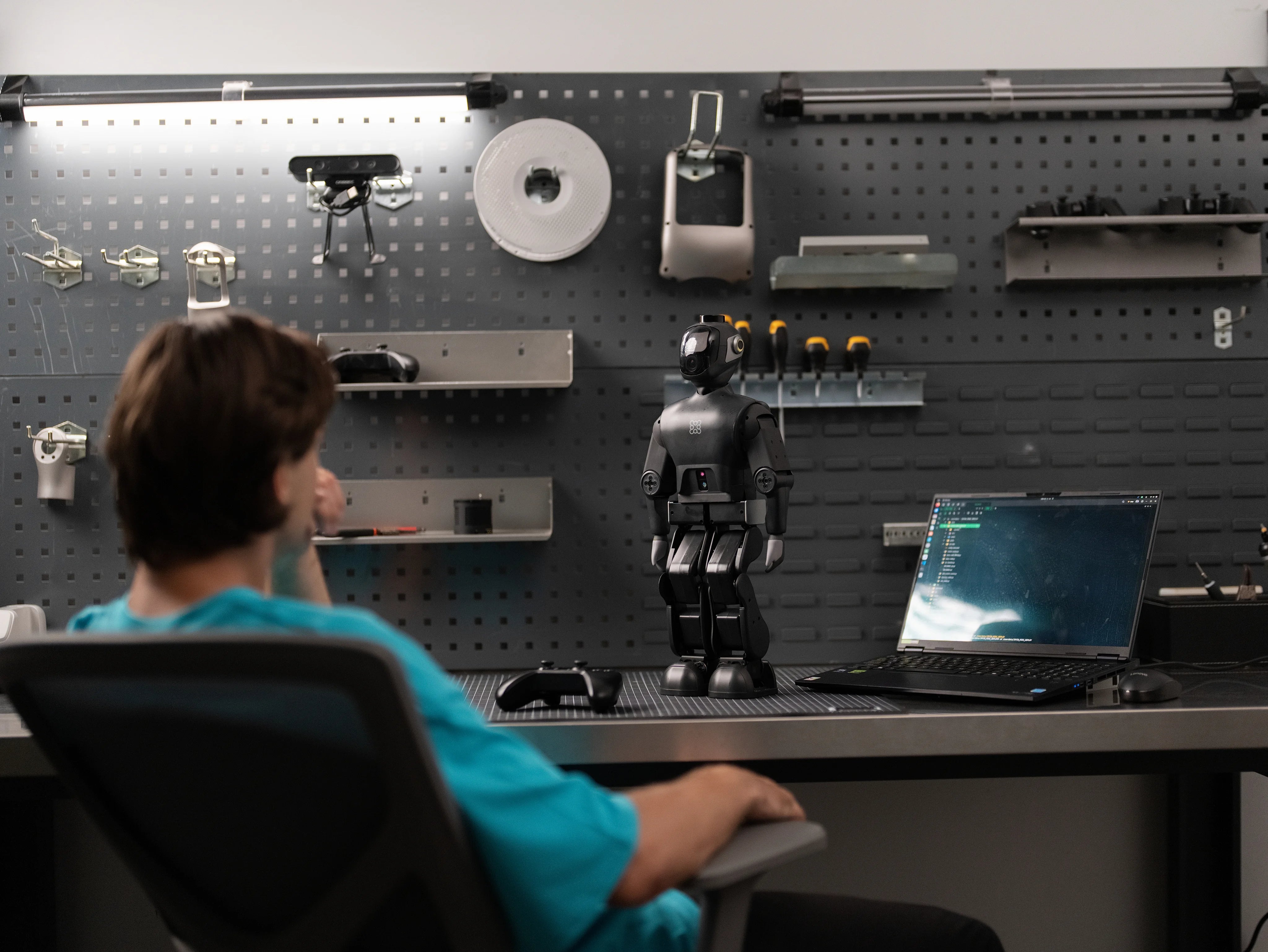
Train on a PC

Training

Train it on your own PC.

No cluster needed. M1's lightweight sim + PPO pipeline runs on a consumer GPU laptop. Iterate fast on your own hardware.

Consumer GPU — no cluster required

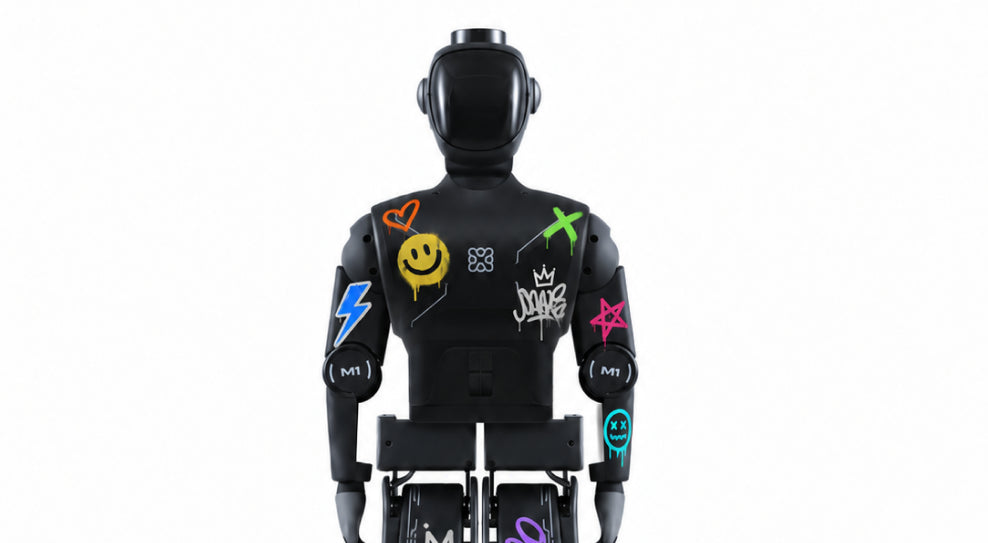
M1 with custom stickers

Own It

Make it yours.

No more waiting for lab time. M1 fits on your desk, runs on your laptop, and it's fully yours.

Full access — hack it, break it, own it

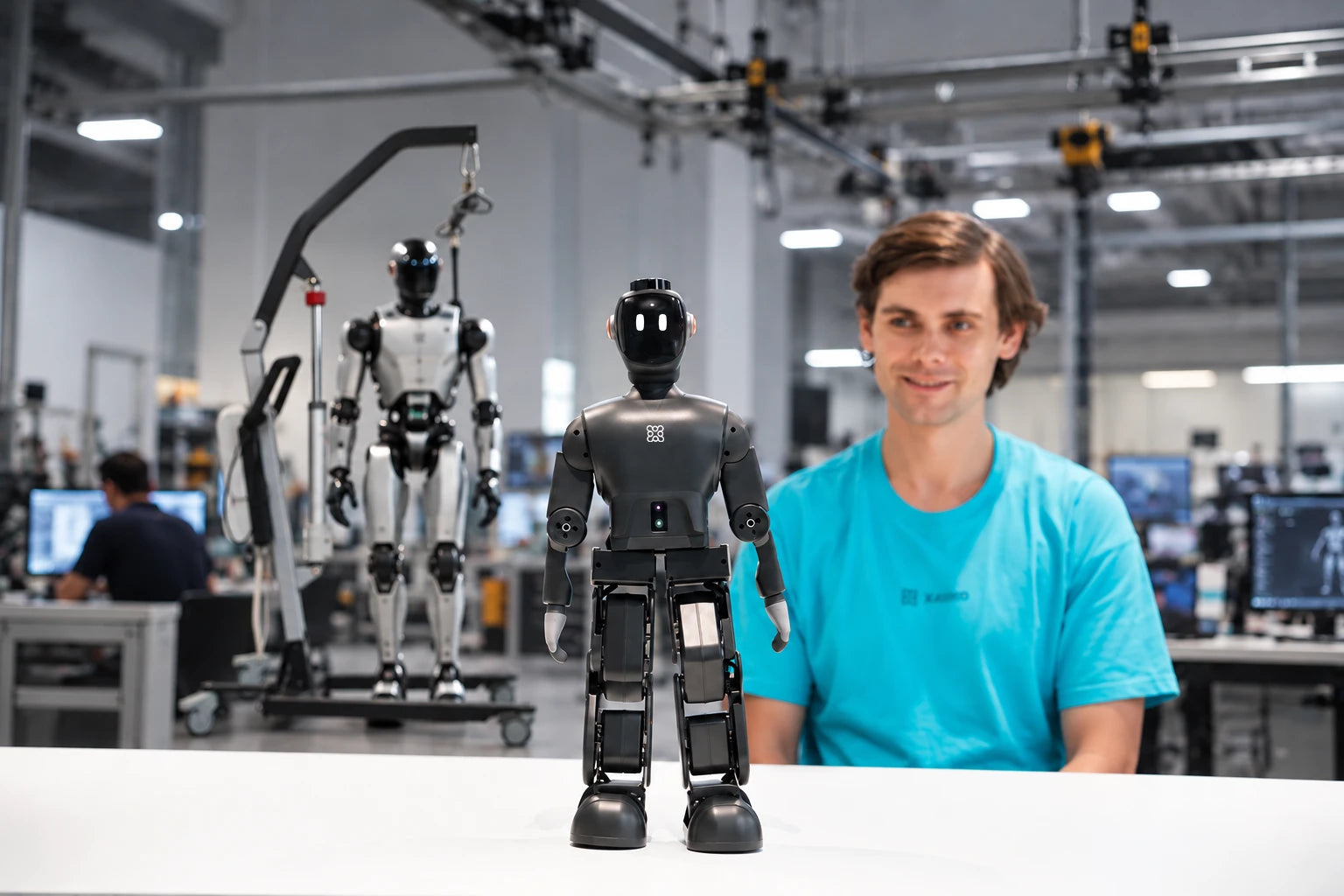
M1 on a desk beside a full-size humanoid

Anywhere Training

Train anywhere. No gantry required.

Full-size humanoids need safety gantries, harnesses, and dedicated lab space just to get started. M1 fits on your desk — train, test, and iterate in any room, office, or classroom without specialized infrastructure.

Desk-ready — zero infrastructure needed

Quiet desk training

Quiet Operation

Whisper-quiet. Office-friendly.

M1's servo-driven design runs quieter, softer than normal office conversation. Train all day without disturbing anyone around you.

Quieter than normal office conversation

Built-in Tasks

Ready-to-run skills out of the box

Six reference behaviors pre-loaded on M1. Train from scratch or fine-tune them — your starting point doesn't have to be zero.

  • Variable Speed Walk

    Variable Speed Walk

    Fast & slow gait. Speed-adaptive walking on flat ground.

  • Walk through obstacles

    Walk through obstacles

    Rough ground, slopes & uneven surfaces. Adaptive balance.

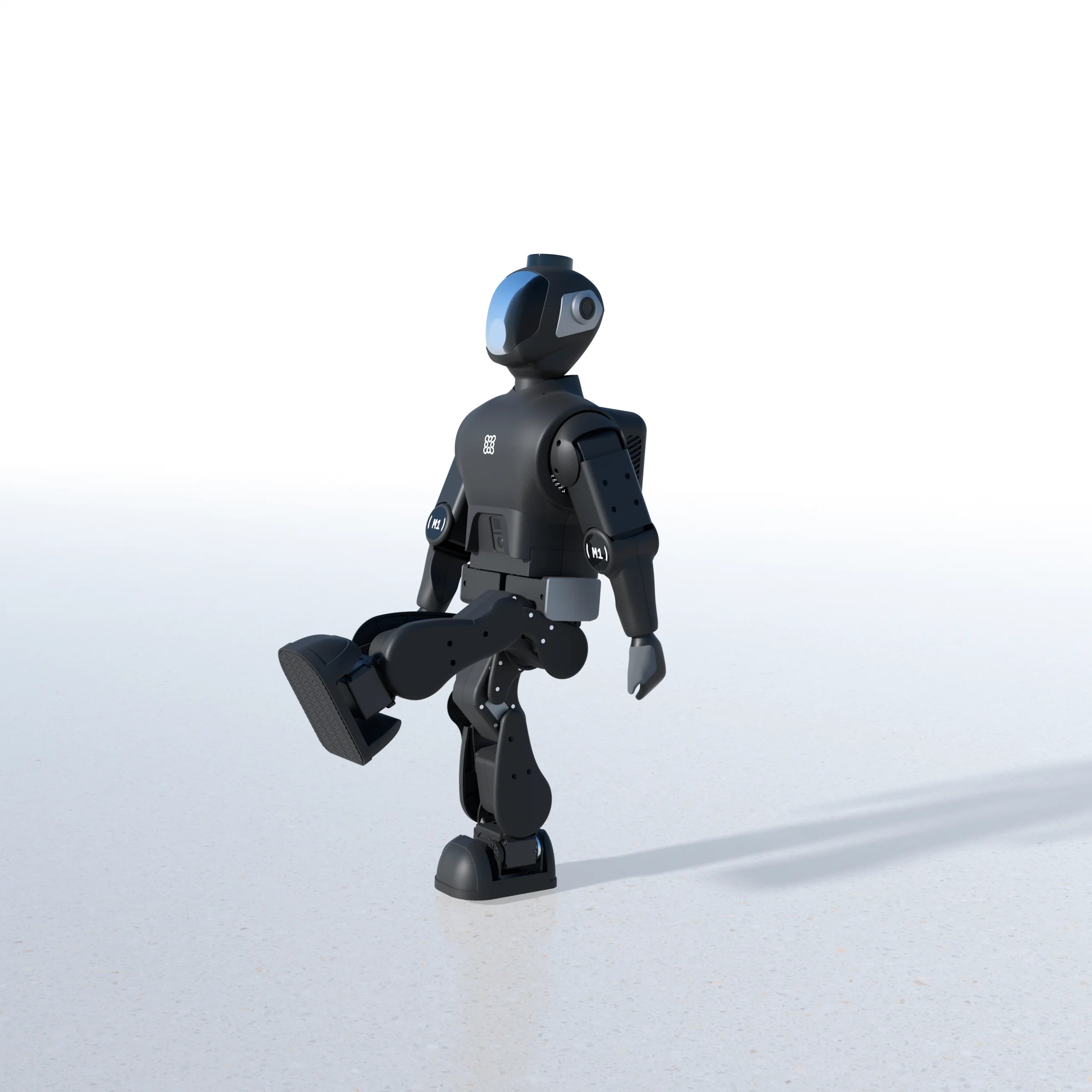
  • One-Leg Kick

    One-Leg Kick

    Single-leg forward kick. Dynamic balance on one foot.

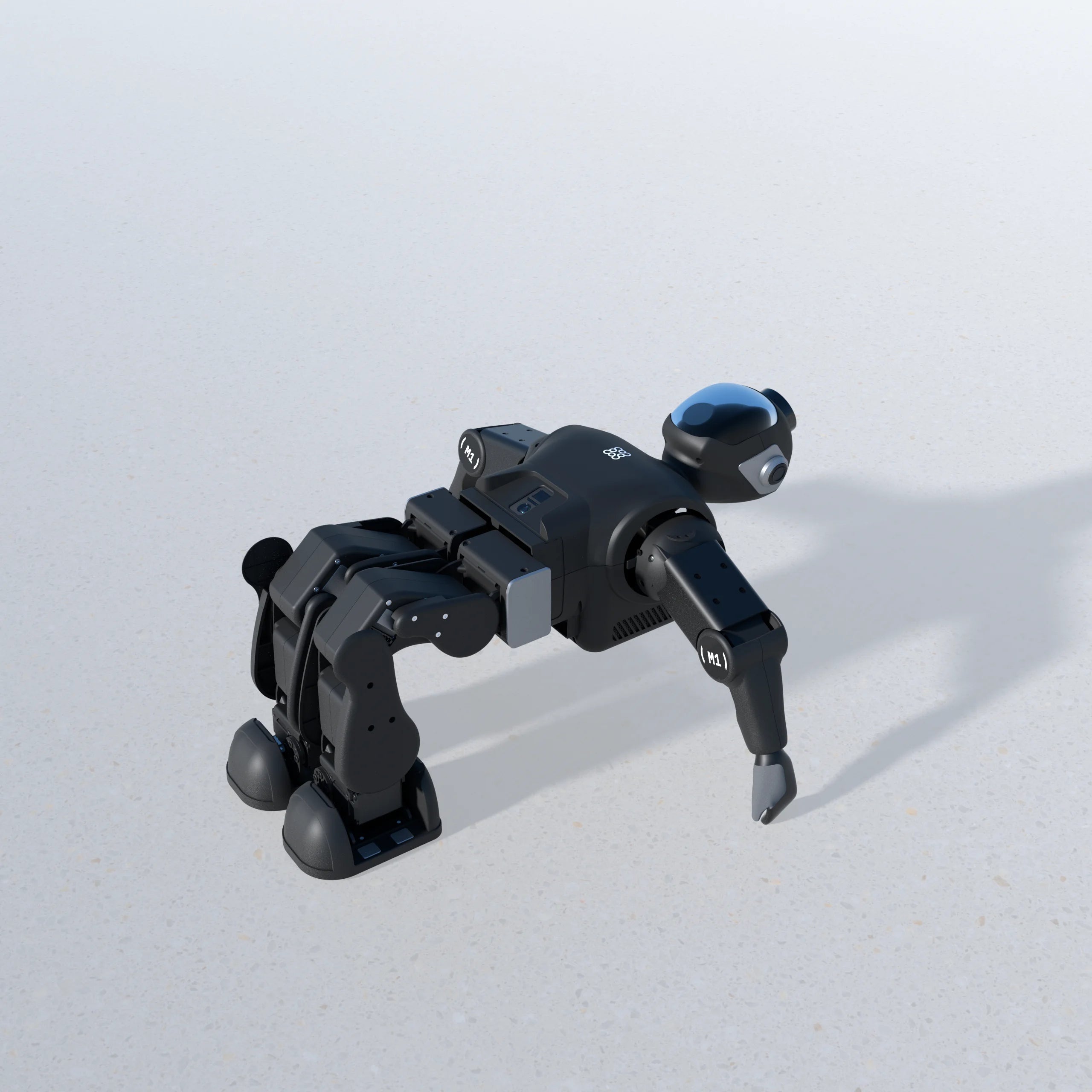
  • Get Up

    Get Up

    Self-righting recovery. Stand up from a fall.

  • Dance

    Dance

    Full-body choreography. Rhythmic motion control.

  • Balance on Cart

    Balance on Cart

    *Cart version subject to change by shipment batch.

    Stand & walk on a moving platform. Active stabilization.

BUILT FOR DEVELOPERS

Small Size. Big Potential.

Designed for PyTorch/ONNX model export and sim-to-real pipelines via the Reinforced Imitation Framework.

Open SDK with full-stack control — gain direct access at every layer with the Python SDK or the M1 Spine SDK for low-latency control. Built for ROS 2 integration and Linux + OTA workflows.

PyTorch/ONNX sim-to-real pipelines, open SDK, ROS 2, Linux + OTA, with Python and M1 Spine SDK control.

M1 / SIDE SYSTEM VIEW

M1 Humanoid Robot
  • 50cm cm · Height
  • 2.8kg kg · Weight
  • 12DOF DOF · Legs

Body

Height
50cm
Body weight
2.8kg
Legs (6 per leg)
12DOF
Arm span
510mm

Sensors

Head LiDAR
LDS
RGB Camera (mouth)
RGB
iTOF (torso)
Depth PC + IR
Mic array
3mic

Compute

Horizon chip
RDK 5

Speed

Bipedal walk
~0.2m/s
Cart
1.1m/s

Battery

Battery life
~2hr

Training

Min. GPU VRAM
8GB

TRAIN SMALL. SCALE SMART.

Don't Scale the Cost Before You Scale the Skills.

Master the fundamentals on M1, then take your skills to any full-size humanoid platform. Don't scale the cost before you scale the skills.

  • Mid-Size Research

    Mid-Size Research

    Lightweight research

    $15,000+

    ~85 cm

  • Full-Size Humanoid

    Full-Size Humanoid

    Consumer full-size

    $32,000+

    ~130 cm

  • Industrial Grade

    Industrial Grade

    Industrial full-size

    $150,000+

    160~190cm

Heights and prices are approximate, for comparison only.

UNBOXING

What's in the box?

Everything you need to start training — right out of the case. Portable, protected, and ready to go.

Eight essentials packed in a custom EPP foam carry case. Everything you need to get started — just unbox and train.

  • M1 Humanoid20-DOF
  • Power AdapterCharging adapter
  • CartMobile transport base
  • Remote ControllerWith charging cable
  • Dual-Branch CableUSB data & power
  • Thank You CardA note from the team
  • User ManualFull documentation
  • EPP Foam CaseHandheld carry foam box

Ready to train
your first humanoid?

Join the early-bird list and be among the first to get your M1. Only 100 units for the first batch in Novbember.
$2499

Discord Community

Join our tech support community for live help, tutorials, and fellow M1 builders.

Join Discord →

Email Support

Send us a message — we usually reply within 24 hours on business days.
FAQ

Questions? Answered.

Everything you need to know about ordering, shipping, warranty, and development with M1.

Can I cancel my order?

Yes — full refund any time before dispatch.

Do you ship internationally?

At this time, we ship to the United States only.

Which regions does the M1 EDU Combo warranty cover?

The included 1-year warranty is also exclusive to U.S. customers. This provision applies to the extent permitted by applicable law. If your local consumer protection laws grant you more favorable rights (e.g., a statutory minimum warranty period), this provision does not limit or waive those rights. For full details on your statutory rights, please consult your local consumer protection regulations.

What is the supported RL training workflow — can I train in Isaac Gym or MuJoCo and deploy to M1 EDU Combo?

Yes. M1 EDU Combo provides reference workflows designed for both Isaac Gym and MuJoCo. Policies trained in PyTorch can be easily exported via ONNX and deployed to the physical robot through the Reinforced Imitation Framework for efficient sim-to-real transfer. Example training scripts and reference policies are available directly through the private developer Discord community.

What languages and frameworks does the M1 EDU Combo SDK support?

To deliver maximum flexibility for development and control, the M1 EDU Combo SDK features a robust Python API for high-level behavioral workflows alongside the low-latency Micro Robot Spine SDK for direct motor control commands. M1 EDU Combo is architected for seamless integration with ROS 2 environments at the message-bus level.

Can I run custom models on M1 EDU Combo's NPU?

Yes. M1 EDU Combo features an integrated 10 TOPS NPU (BPU) optimized for local neural network inference, processing real-time spatial data directly from the dual binocular cameras. Developers can deploy custom models via the standard ONNX toolchain, and the Zeroth engineering team is available to assist with model quantization recipes and operator optimization.

What is the support process if a component needs repair or servicing?

Zeorth provides dedicated support to keep your hardware operational. For any maintenance, chassis servicing, or component repair inquiries, developers can contact the Zeroth support team directly for guided technical assistance and service options.

How do safety force limits function during high-intensity training?

To safeguard the robot's high-torque actuators during dynamic policy testing, M1 EDU Combo features built-in hardware force limits by default. This ensures safe operation and long-term durability during aggressive movement, push recovery, and contact-rich reinforcement learning experiments.

© 2026 ZEROTH. All rights reserved.